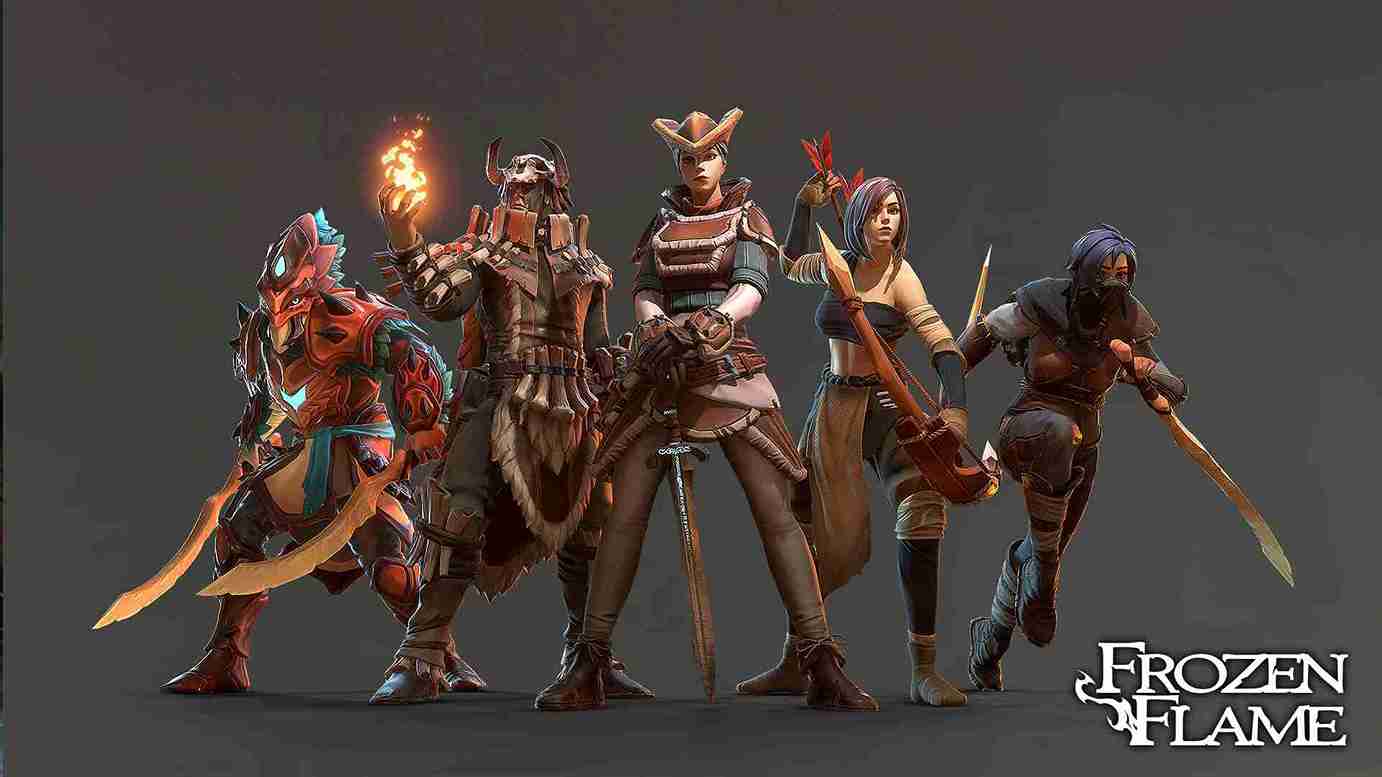
Frozen Flame blends co-op survival, base building, and exploration into a shared world where progress depends on stable multiplayer sessions. When the host disconnects or performance drops, players risk losing progress, desyncing during combat, or dealing with long reconnect times. This is why choosing the best Frozen Flame server hosting matters for any group planning to play together long term.
Many players start with peer-hosted sessions. While this works for short tests, it often causes lag, save issues, and session drops as the world grows or more players join. A dedicated Frozen Flame server runs independently of any single player, keeping the world online, saves secure, and gameplay smooth even when the host logs off.
In this guide, you’ll find a clear breakdown of the top Frozen Flame server hosting providers, comparing pricing, performance, server locations, and mod support. Whether you’re playing with a small group of friends or managing a larger co-op world, this comparison helps you pick a server that fits your setup and avoids common hosting problems from the start.
Quick Comparison: Best Frozen Flame Server Hosting
| Provider | Starting Price | Server Locations | Mod Support | Best For |
|---|---|---|---|---|
| GTXGaming | £9.50 | Global | Yes | Mod-friendly Frozen Flame servers |
| G-Portal | $16.13 | Global (NA, EU, Asia) | Yes | Stable co-op gameplay |
| Survival Servers | $10.20 | Global | Yes | Easy setup for new players |
| PingPerfect | $17.96 | NA, EU, Asia, AU | Yes | Long-term servers with backups |
How We Evaluated Frozen Flame Server Hosting Providers?
To identify the best Frozen Flame server hosting options, we focused on factors that directly affect co-op gameplay and world stability. Frozen Flame worlds grow over time, store large save files, and rely on steady performance during exploration and combat, so each provider was reviewed using practical criteria.
Server performance was the first priority. We looked at CPU speed, RAM allocation, and storage type, since these determine how well the server handles base building, enemy spawns, and multiple players online at once.
Server locations and latency were also considered. Providers with data centers across North America, Europe, and other regions help reduce ping and improve responsiveness for groups playing from different locations.
Ease of management played an important role. Hosts with simple dashboards, FTP access, and clear configuration options make it easier to manage saves, updates, and mods without technical friction.
Pricing transparency mattered just as much. We compared starting prices, how costs scale with player slots, and whether upgrades are straightforward as your group grows.
Finally, we reviewed reliability and support, including uptime history, protection against downtime, and how quickly help is available when server issues occur.
This evaluation approach keeps the focus on real-world performance and day-to-day usability, helping you choose a Frozen Flame server host based on gameplay needs rather than sales claims.
Best Frozen Flame Server Hosting Providers
Choosing the best Frozen Flame server hosting gives you a stable multiplayer world where progress, saves, and co-op sessions stay reliable. A dedicated server keeps the game running even when the host logs off, reduces lag during exploration and combat, and makes it easier to manage player slots and mods. The providers listed below were selected based on performance, pricing clarity, server locations, and ease of management, helping you pick a Frozen Flame server that fits your group size and play style without unnecessary setup issues.
1. GTXGaming
GTXGaming is a well-known game server host that focuses on flexibility and custom control, making it a strong option for Frozen Flame server hosting. It supports both small co-op groups and larger multiplayer worlds, with settings that are easy to adjust as your server grows.
GTXGaming’s Key Features
Global server locations to reduce latency for international players
SSD or NVMe storage for faster world loading and save handling
Full mod and configuration support
FTP access for manual file management and backups
Best For: Players who want a mod-friendly Frozen Flame server with room to scale and fine-tune settings over time.
Pricing: GTXGaming plans start at £9.50, with pricing based on player slots and server location. You can upgrade slots or resources later without moving to a new host.
2. G-Portal
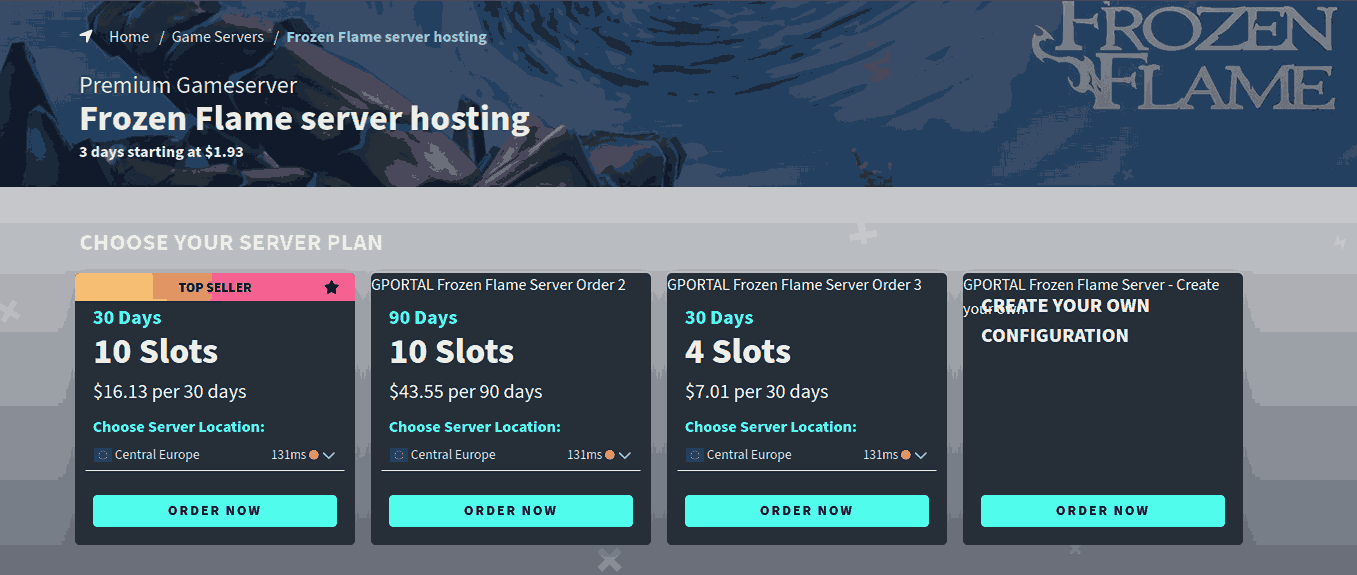
G-Portal is a long-standing game server host known for reliable performance and a user-friendly setup process. Many multiplayer communities trust G-Portal because it delivers stable servers with a straightforward control panel, which makes managing your Frozen Flame world easier even if you’re new to hosting.
G-Portal’s Key Features
Servers in multiple global locations (North America, Europe, Asia) help keep ping low for international players
Consistent uptime and performance for long co-op sessions
Mod support for custom gameplay and community content
Simple setup and management through a clean interface
Best For: Players who want a stable Frozen Flame server that stays online reliably and supports regular gameplay with minimal fuss.
Pricing: G-Portal plans start at $16.13, with prices varying based on server location and player slots. Higher slot counts and premium regions may increase total cost.
3. Survival Servers
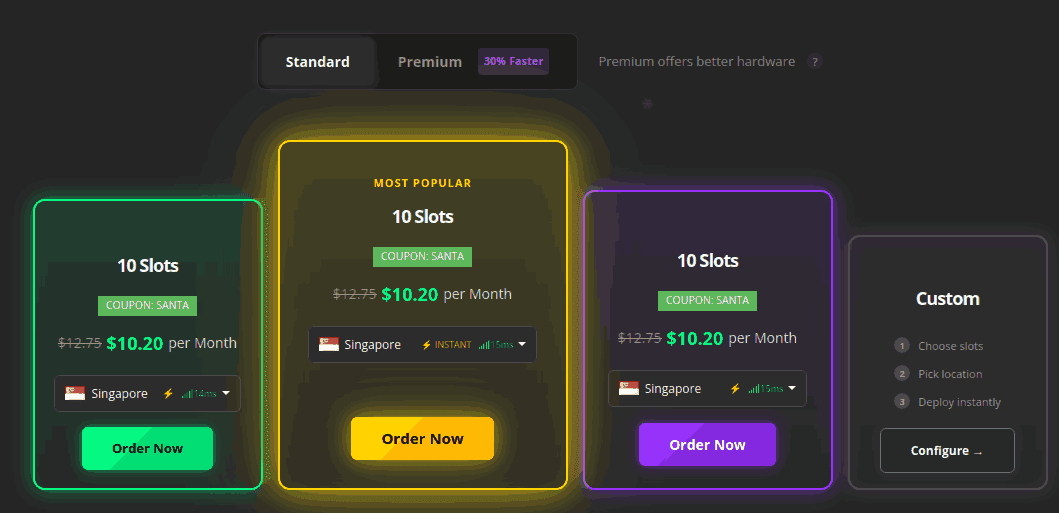
Survival Servers makes it quick and easy to get your Frozen Flame server up and running, even if you’ve never hosted a game before. Their setup process is straightforward, and you can launch a server in just a few minutes.
Survival Server’s Key Features
Instant server activation so you can start playing right away
One-click installations for mods and updates
Multiple global server locations to help reduce latency
Simple server management tools for beginners
Best For: Players who want an easy-to-set-up Frozen Flame server without spending time on complex configurations.
Pricing: Survival Servers plans start at $10.20, with total cost depending on the number of player slots and server region you choose.
4. PingPerfect
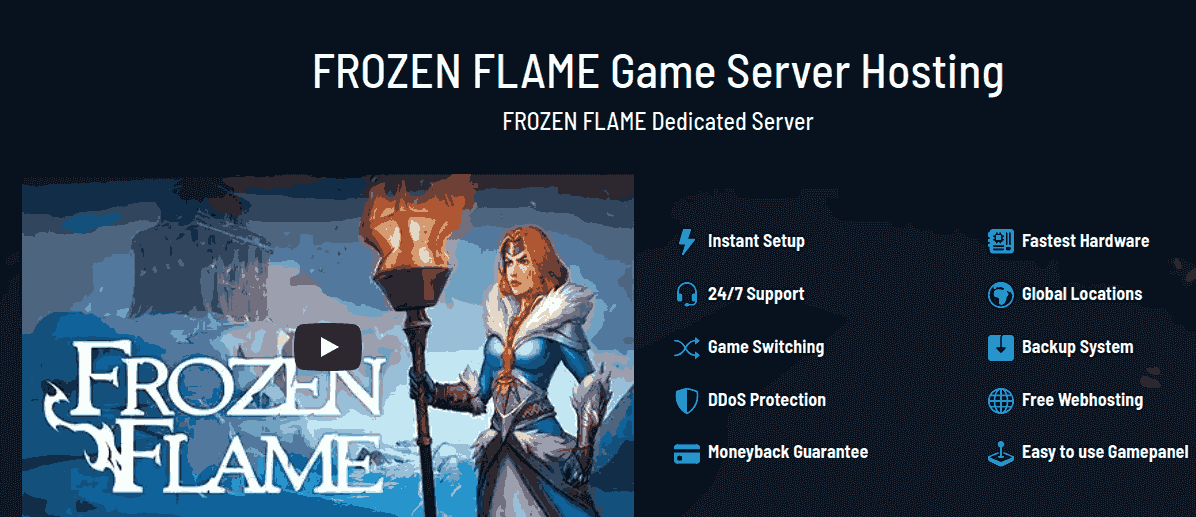
PingPerfect is a reliable game server host with a strong reputation for uptime and protection features that help maintain your Frozen Flame world smoothly over long play sessions. It’s a solid choice if you want built-in safeguards and regular maintenance support.
PingPerfect’s Key Features
DDoS protection helps keep your server online during attacks
Automatic backups let you restore progress if something goes wrong
Multiple server locations in North America, Europe, Asia, and Australia help keep ping low
Mod support lets you run custom content on your Frozen Flame server
Best For: Players who want a long-term Frozen Flame server with protection and backup options to secure their world and progress.
Pricing: PingPerfect plans start at $17.96, with the total cost varying based on the number of player slots and server region you choose.
Frozen Flame Server Hosting Requirements
Before choosing a host, it helps to understand what a Frozen Flame dedicated server needs to run smoothly. While the game isn’t extremely heavy, performance drops can appear as your world grows, more players join, or mods are added.
CPU Requirements
Frozen Flame benefits from strong single-core performance. A modern CPU with high clock speed handles world simulation, AI behavior, and combat more smoothly, especially during busy co-op sessions.
RAM Requirements
2–4 players: 4 GB RAM is usually enough for vanilla gameplay
5–8 players: 6–8 GB RAM helps avoid lag during exploration and base building
Modded servers: 8 GB or more is recommended, depending on mod count
Storage
SSD or NVMe storage is strongly preferred. Faster storage reduces load times, speeds up world saves, and lowers the risk of save corruption during restarts.
Bandwidth & Network
A stable connection with low latency matters more than raw bandwidth. Hosting your server close to your player base reduces ping and improves overall responsiveness.
Operating System & Updates
Most providers handle OS-level maintenance and game updates for you. Automatic updates help keep your Frozen Flame server compatible with the latest patches and reduce manual work.
Understanding these requirements helps you choose a server size that matches your group without paying for unused resources or running into performance issues later.
Conclusion: Choosing the Best Frozen Flame Server Hosting
Picking the best Frozen Flame server hosting depends on how you play, how many people join regularly, and whether you plan to use mods. A dedicated server keeps your world online at all times, protects progress, and avoids common issues like lag or host-based disconnects.
If you want flexibility and mod support, GTXGaming is a strong option with room to scale. G-Portal fits players who value consistent uptime and global server locations. Survival Servers works well if you want fast setup with minimal configuration, while PingPerfect suits long-term worlds where backups and protection matter more.
Before choosing, think about player count, server location, and how your world may grow over time. Starting with the right host saves time, avoids wasted cost, and gives your group a smoother Frozen Flame co-op experience from the first session onward.
Frequently Asked Questions (FAQs)
1. What is the best Frozen Flame server hosting provider?
There isn’t one single best option for everyone. GTXGaming is ideal for modded servers, G-Portal focuses on stable performance, Survival Servers suits beginners, and PingPerfect works well for long-term servers with backups.
2. How many player slots do I need for a Frozen Flame server?
Most groups play comfortably with 4–8 slots. If you expect more players or plan to use mods, choosing extra slots helps maintain smooth performance.
3. Can I use mods on a Frozen Flame dedicated server?
Yes. Most hosting providers support mods. Hosts like GTXGaming, PingPerfect, and Survival Servers make mod management easier through their server tools or FTP access.
4. Is it better to self-host or rent a Frozen Flame server?
Self-hosting can work short term, but it depends on one player’s internet and hardware. Renting a dedicated server gives better stability, keeps the world online, and reduces lag for other players.